Note Code Editor
Developer Tools
On the App Store
A macOS editor with coding, preview and development tools for professional developers.
- NO RATINGS YET
- New
- AGE
- 4+
- CATEGORY
- Developer Tools
- PLATFORM
- macOS
- LANGUAGES
- 1
- SIZE
- 5.1 MB
Description
NoteCode Editor: Designed for Professional Developers
Take your coding experience to the next level! NoteCode is built to deliver a seamless IDE experience on both desktop and mobile. All the tools a developer needs, from an AI assistant to an integrated terminal, come together in one sleek interface.
Key Features:
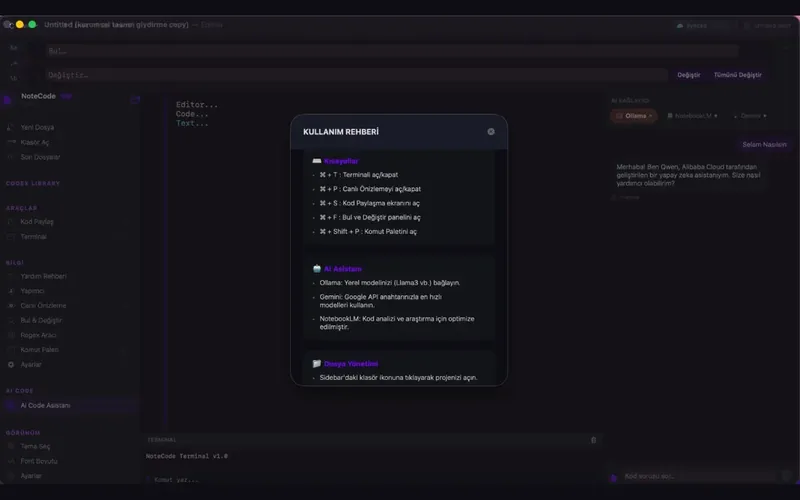
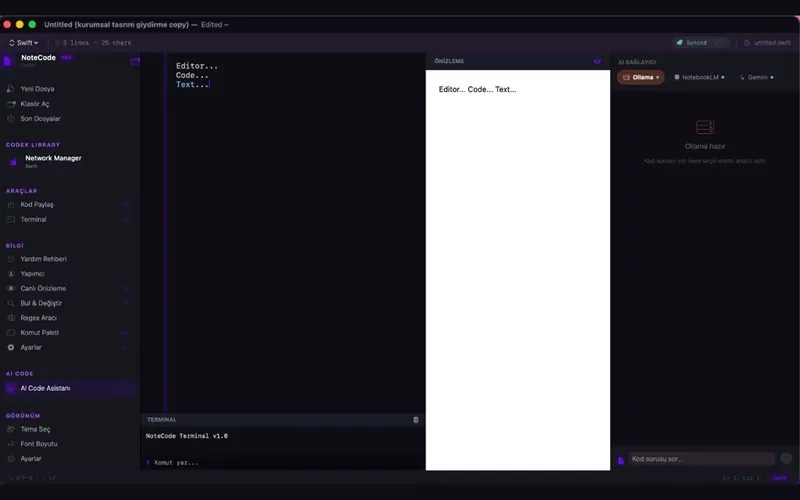
AI Code Assistant: Analyze your code, debug errors and enjoy auto-completion with support for NotebookLM, Gemini and Ollama (Local).
Advanced File Management: Manage large projects easily with a modern file explorer and a tabbed editor.
Integrated Terminal: Run your commands without leaving the app (macOS).
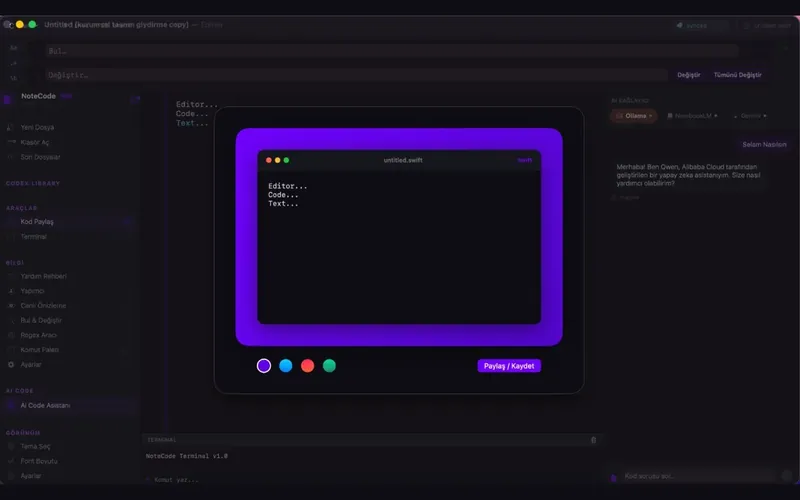
Code-to-Image: Turn the code you write into high-resolution images with elegant gradient backgrounds and share them instantly.
Live Preview: See your HTML and Markdown files instantly.
Smart Syntax Highlighting: Modern, easy-on-the-eyes themes optimized for more than 50 programming languages.
iCloud Sync: Keep your code and settings up to date on all your devices.
With NoteCode, don't just write code, create a work of art. Whether you are taking a quick note or working on complex projects, NoteCode is always by your side.
Subscription Information and Terms:
NoteCode Pro features are offered with an annual subscription.
• Payment is charged to your Apple ID account at confirmation of purchase.
• The subscription renews automatically unless it is cancelled at least 24 hours before the end of the current period.
• A renewal fee is charged to your account within 24 hours before the end of the current period.
• You can manage or cancel your subscriptions in your App Store account settings after purchase.
Terms of Use (EULA): https://appdeveloper.com.tr/notecode/#privacy
Privacy Policy: https://appdeveloper.com.tr/notecode/#terms
Highlights
- AI code assistant: analyze code, debug and autocomplete with NotebookLM, Gemini and Ollama (local) support
- Advanced file management: a modern file explorer and tabbed editor
- Integrated terminal without leaving the app
What's New
Version 1.0 · 2026-05-05
First release.
 CleanMe PromacOS
 AppErasemacOS